Content
1. How to connect the car battery and computer to chargers.
2. How to connect the VCP adapter to the car and run the program.
3. Working with the Engine Control Module unit.
4. How to choose a file to download.
5. How to upload a file.
6. Completion of process and verification.
Updating or restoring the firmware of the engine control unit with the help of VCP professional accessories
It often happens that you need to restore the factory firmware of the engine control unit. Reasons for restoration vary, for example for authenticity. This is the option when all mechanisms and components were restored to factory standards. Or to identify malfunctions, the so-called expanded diagnostics, the reason for this option is the cases of removing the ecology, which is the removal of the particulate filter, the EGR valve, and compatible systems and very often remove or erase a large number of errors and they are not displayed during diagnostics. It is possible to restore the engine to factory normal operation after overhaul.
We will restore using VCP.
Let's start.
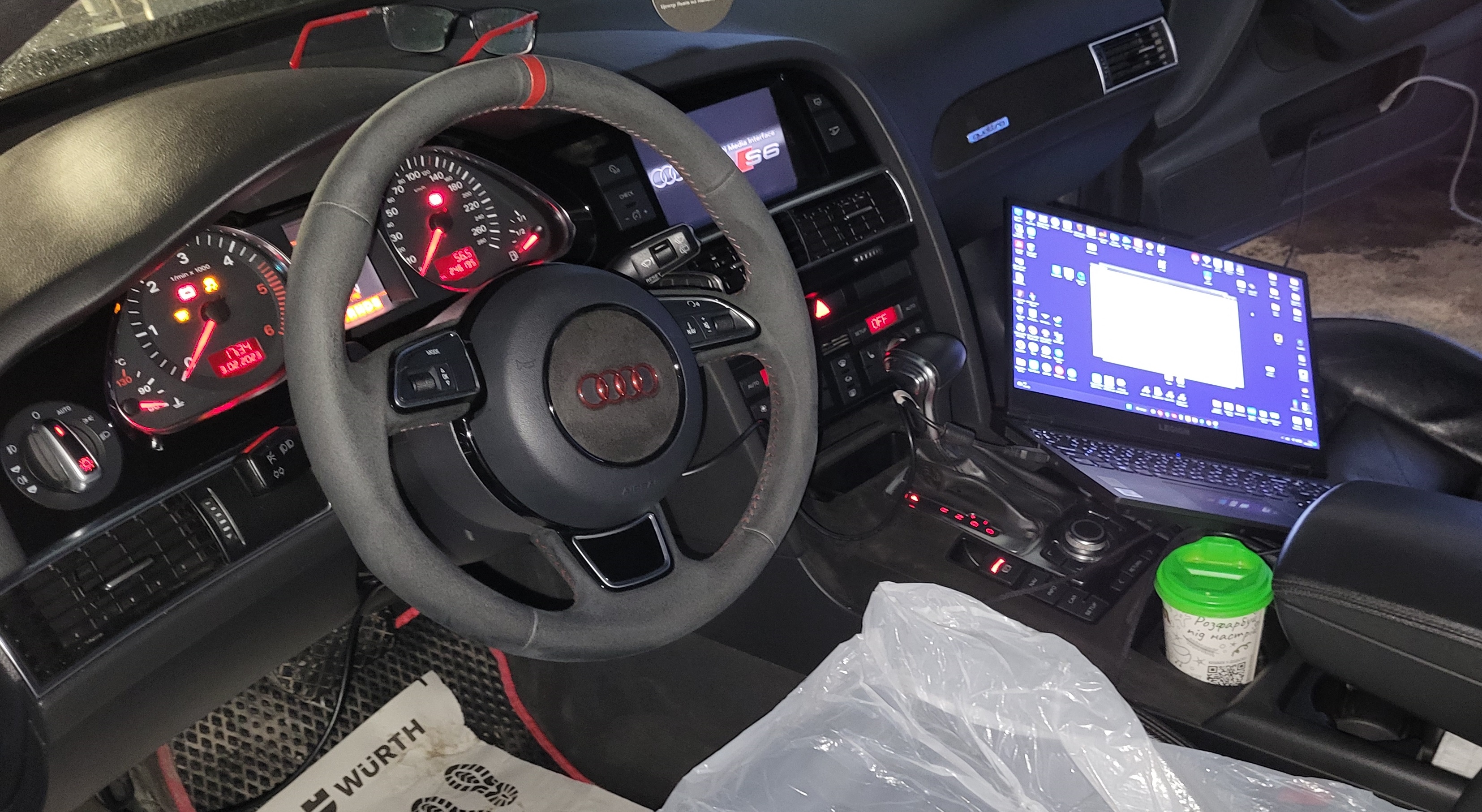
1. Connect the car battery and the computer to the chargers, respectively.


2. Connect our VCP adapter to the car and start the program.
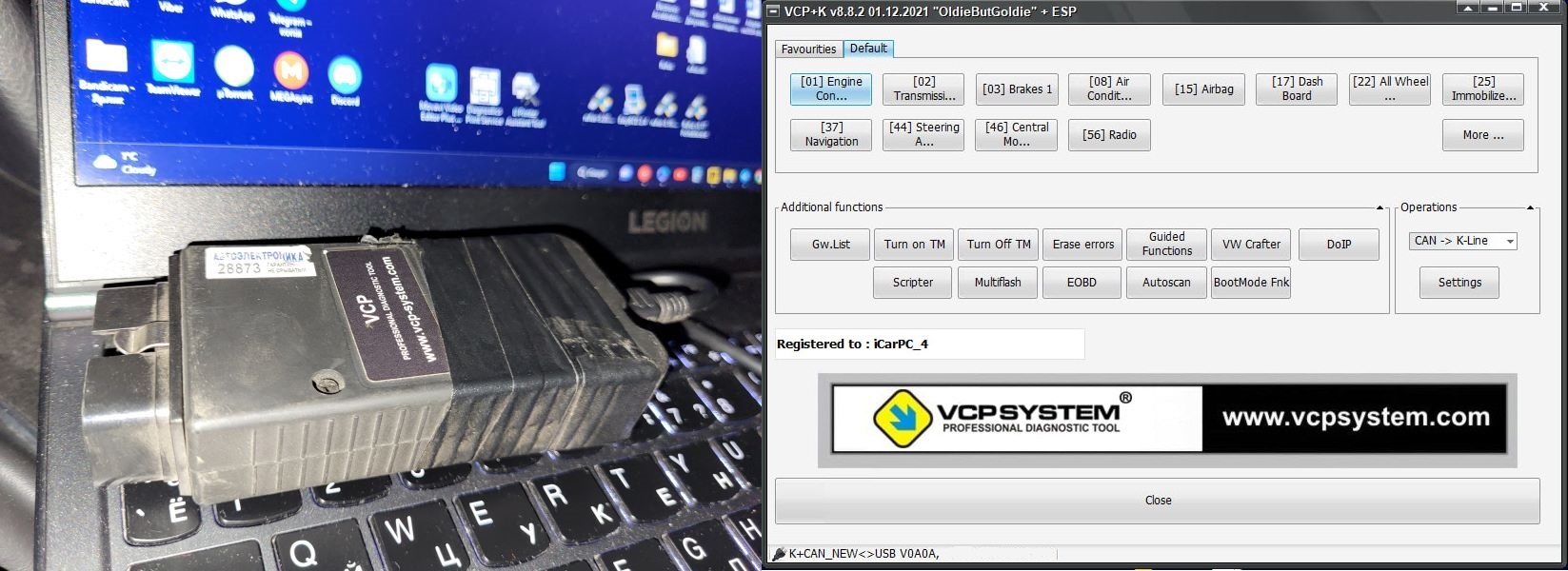
3. We go to the 01 block Engine Control Module.
We get to a window with options related to the engine control unit. Click on Connect.
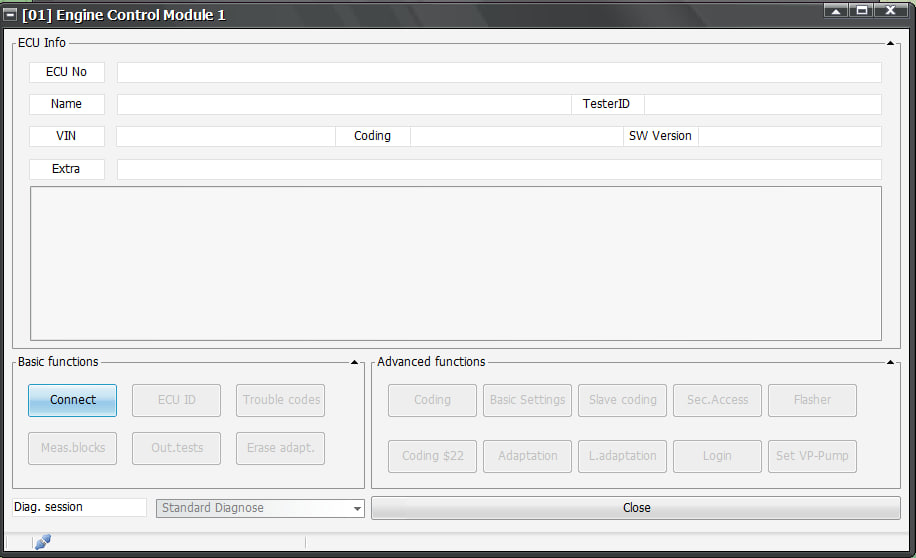
Waiting for the connection.
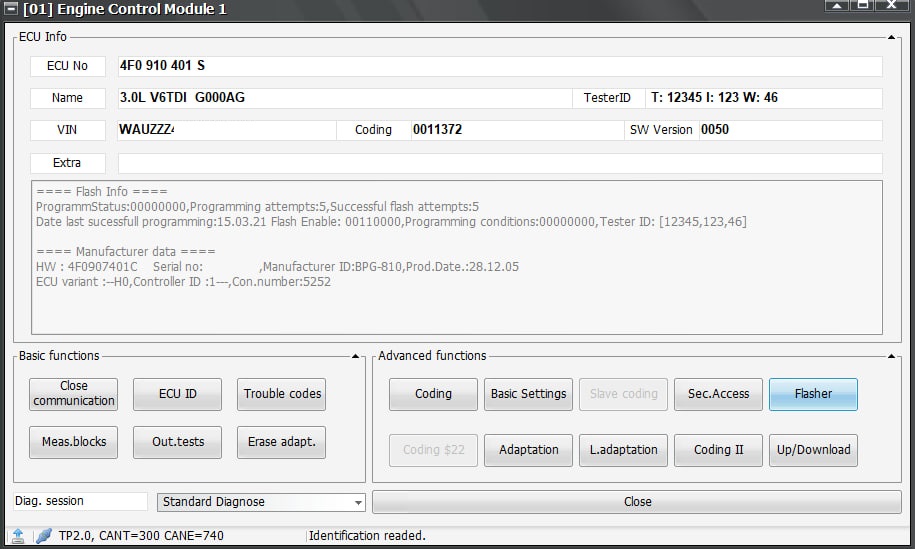
As you can see, the connection is successful. Now we look at the number of the block that needs to be restored.
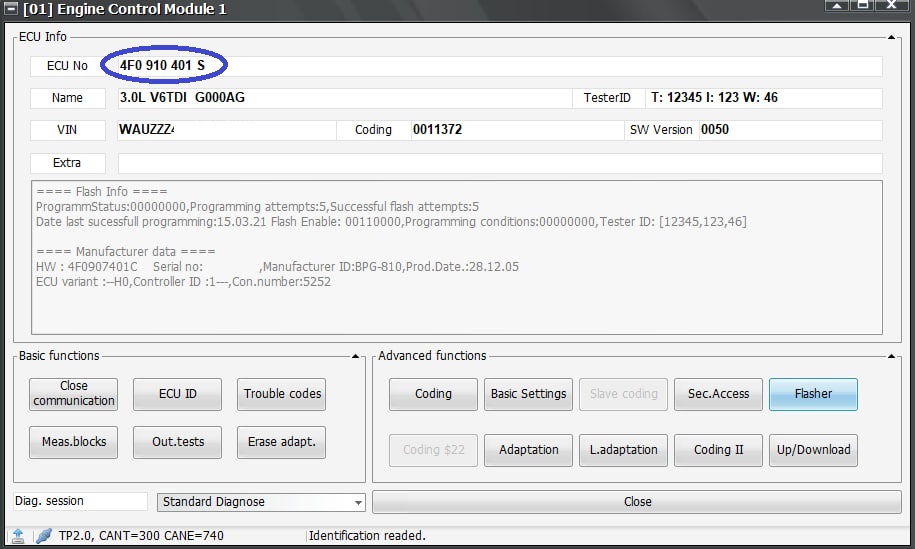
That's it, now we can choose Flasher.
4. Select the file to download.
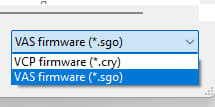
In the firmware menu select Open file.

We select a file on the computer, the file can be found on the Internet. Now there are no difficulties with this.

If the file is not displayed, select the .sgo file format.
We make sure that the file has been loaded into the flasher, the inscription OK! in the Log/status window this is confirmed.
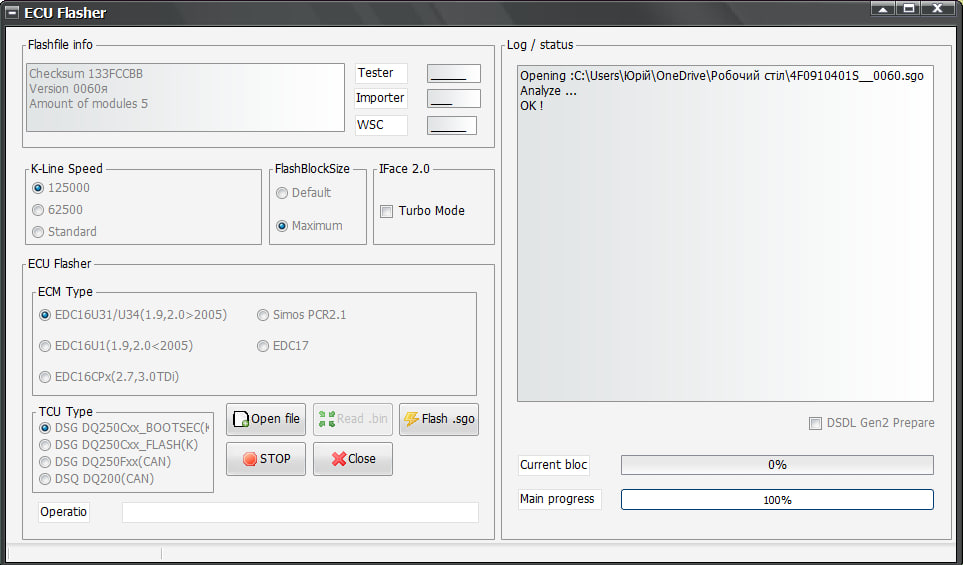
5. We start downloading the file.
Now click Flash .sgo.
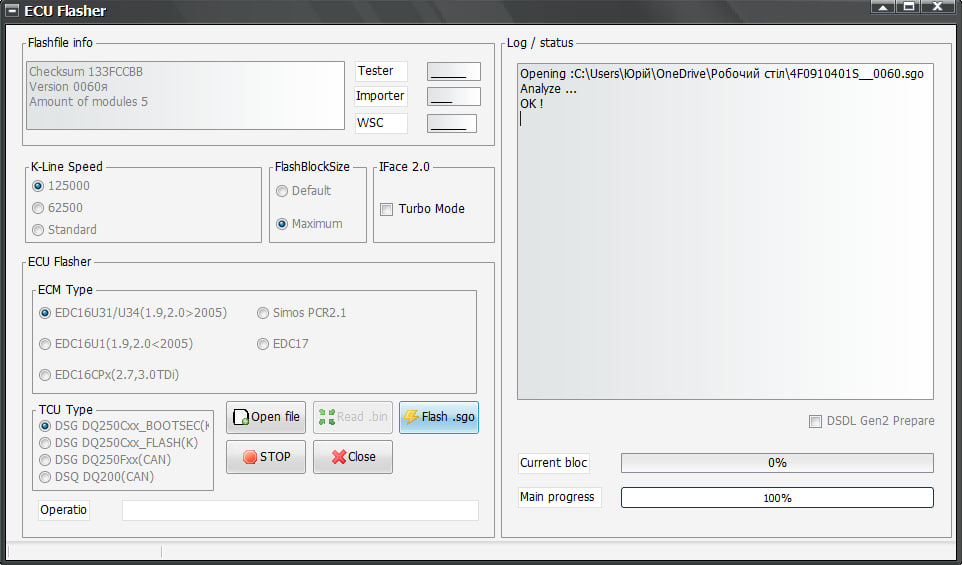
Process started:

At the same time, the engine control unit will disconnect the connection via the CAN bus with other units of the car, this will lead to the display of errors, but it's okay, it's normal in this process.
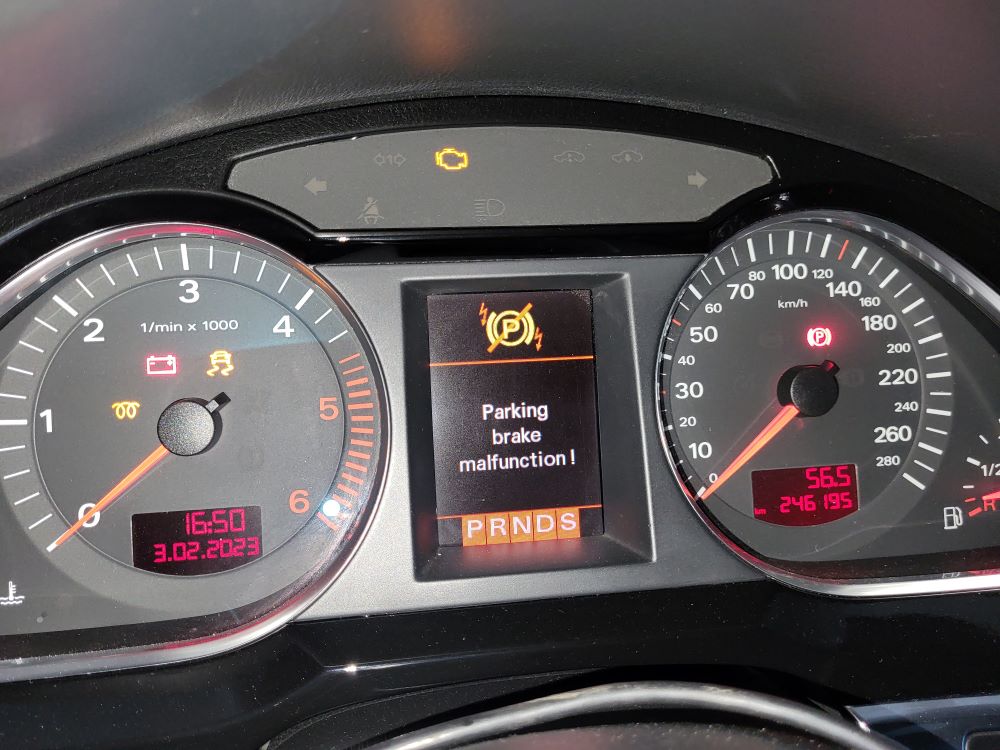
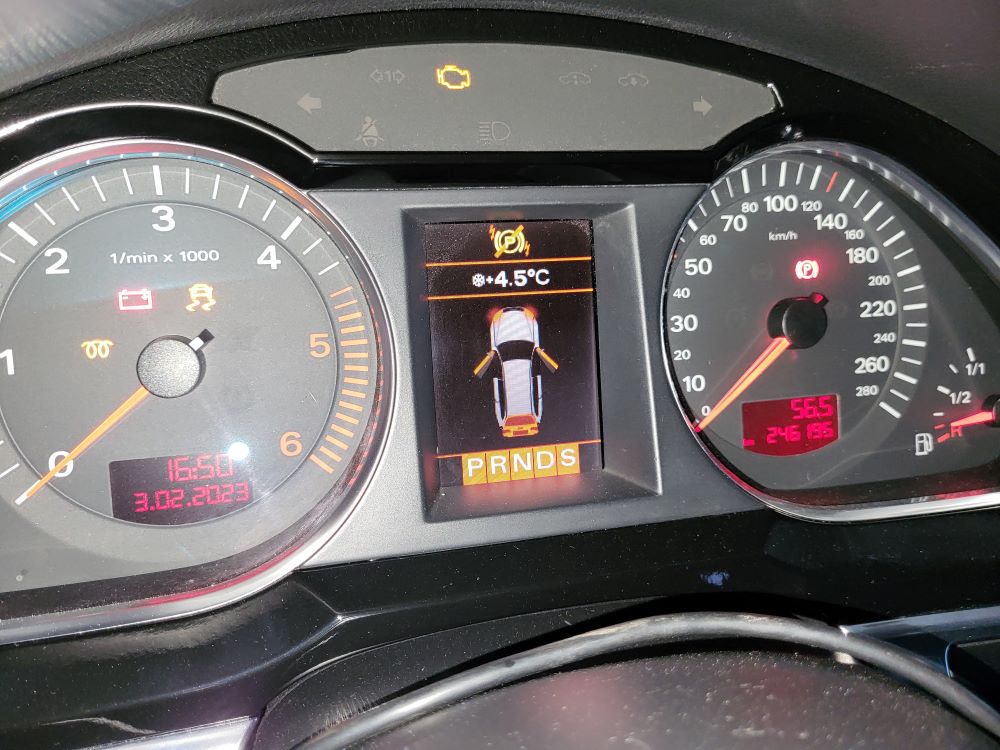
This process is quite long, so you need to ensure reliable charging of both the car and the laptop or computer with which you will perform this operation.

6. Termination and Verification.
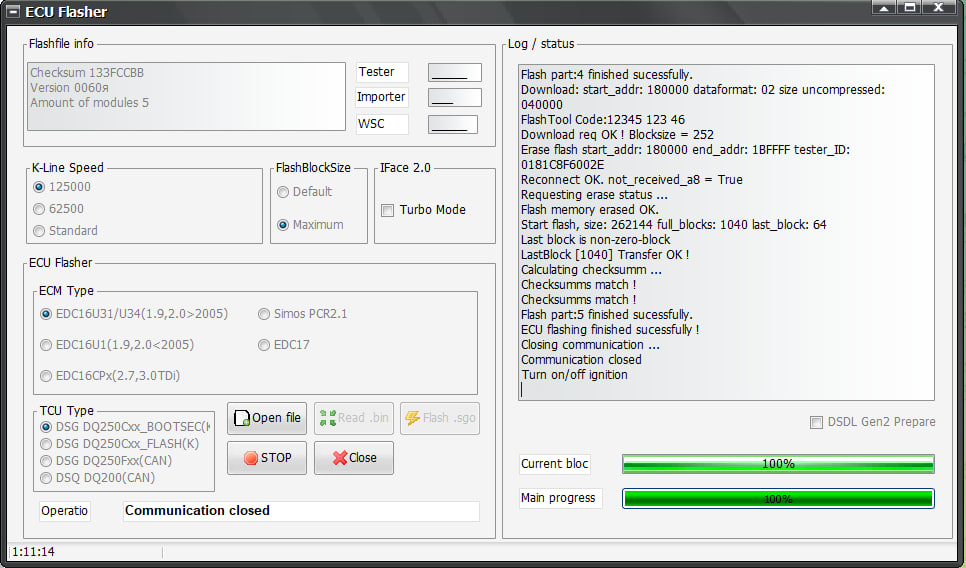
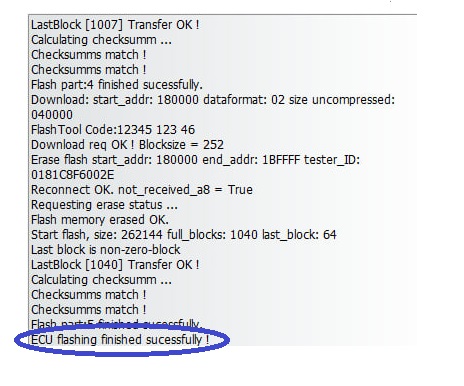
We are looking for Close
Once done, you need to turn off the ignition for 15 seconds and turn it back on. The car can be started and checked for errors.