BMW Owner's Manual: iDrive

AvtoAd
08/07/2022
iDrive combines the functions of a large number of switches. These features can be managed centrally. Perform all adjustments only when road conditions allow. Insufficient concentration of the driver's attention threatens the safety of all road users.
Management bodies

1 Control display
2 Controller with keys
The menu buttons can be called directly. You can use the controller to select menu items and perform settings.
You can see an overview of the central console area here .
To turn off the control display, do the following:
1. Click on the button:

2. In the menu, select the "Disable control display" function:
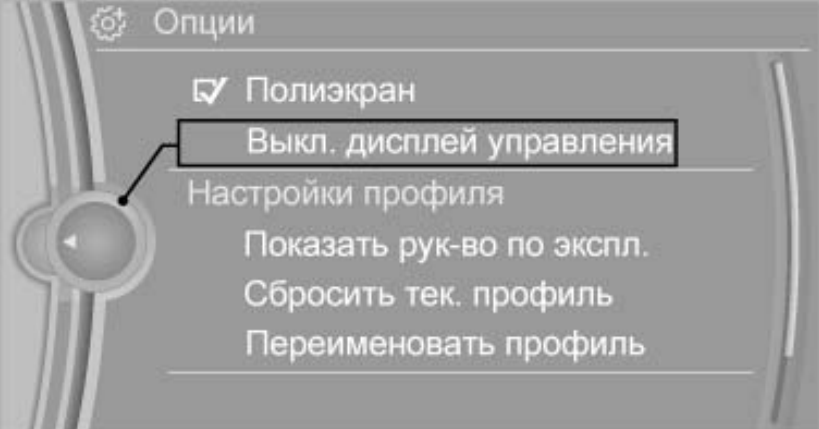
To turn on the control display, press the controller as follows:
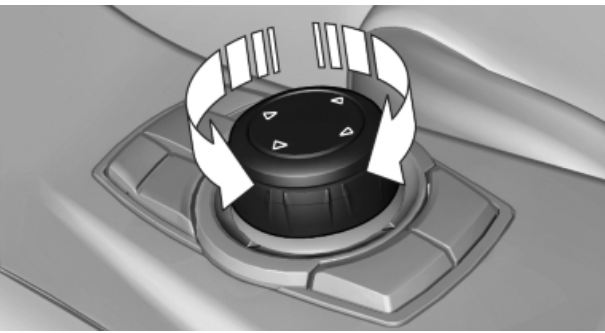
1. Turn the controller:
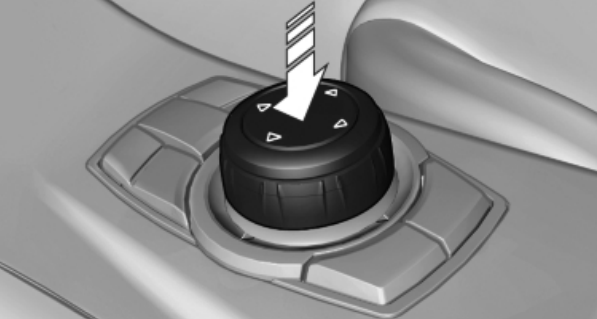
2. Click on the controller:
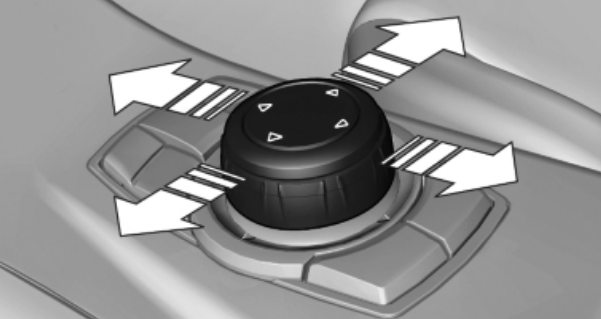
4. Turn in four directions:
Buttons on the controller:
MENU - Display the output menu.
RADIO - Call the radio menu.
CD - Call the CD/multimedia menu.
NAV - Call navigation on the map.
TEL - Call the phone menu.
BACK - Displays the previous window.
OPTION - Call the options menu.
Management principle
To enable the menu, click on the button:

The output menu will appear on the display:
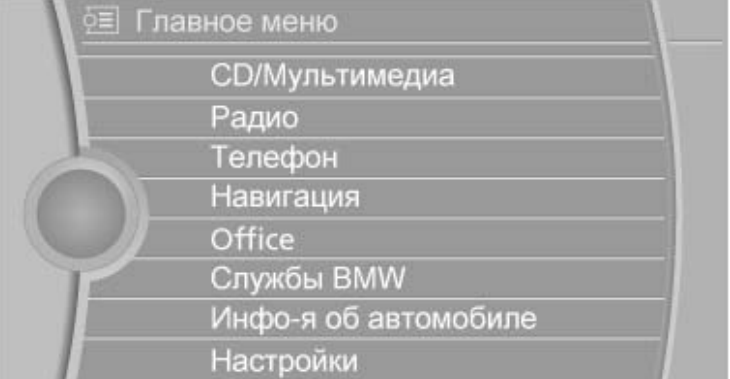
Now we call the iDrive function.
1. Turn the controller before selecting the desired menu item:
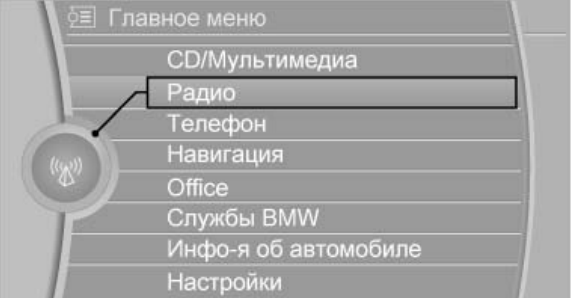
2. Click on the controller.
To display the first menu window:
- turn the controller to the left until the first window appears;
- double-click the menu button on the controller.
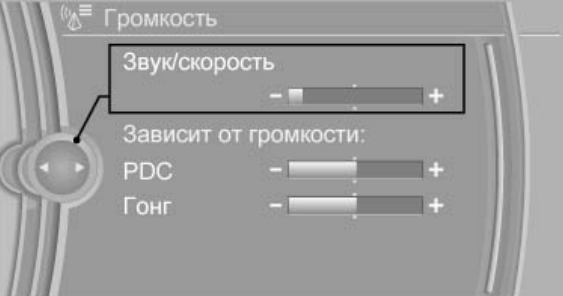
To call up the settings, select a field and turn the controller to set the desired value, then click on the controller:
Learn how to use the Mobility System repair kit here .
Auxiliary window, multi-screen mode
In the right part of the auxiliary window, additional information can be displayed, for example, on-board computer information. This information is displayed in the auxiliary window, in the so-called multi-screen mode, even when switching to another menu.
To enable or disable the auxiliary window mode, first click on the button:

To select an indication, select the following functions:
1. Click on the button:
2. Select "Polyscreen".
3. Tilt the controller to select multi-screen mode.
Hot buttons
iDrive functions can be saved to hotkeys and called up directly, such as radio stations, entire navigation systems, phone numbers and menu navigation. These settings are remembered for the key currently in use.
To save a feature, do the following:
1. Go to the iDrive function.
2. Press and hold the required key for more than 2 seconds.
To enter numbers and letters, do the following:
1. turn the controller: select letters or numbers;
2. if necessary, select the following letters or numbers;
3. "OK": confirm the entry.
Read also about airbags .
Voice control system
The voice control system can be used to control various functions using voice commands. Most menu items on the control screen can be spoken as voice commands. The voice control system helps you enter comments. Functions that are only available when the vehicle is stopped cannot be performed using the speech processing system. The system includes a special microphone on the driver's side. ›...‹ - the commands of the voice control system are given in such brackets in the operation manual.
To turn on the voice control system, press the button located on the steering wheel:

and then say the command.
To adjust the volume, during the voice notification, turn the button to select the desired volume level.